
The number was right. The unit was still set to servings.
You weigh 85 grams of cereal, type 85 into the diary, and watch the total jump far beyond breakfast. The food entry is correct. The label values are...
By PixNutri Editorial Team · Published November 23, 2026 · Last updated November 23, 2026 · 5 min read
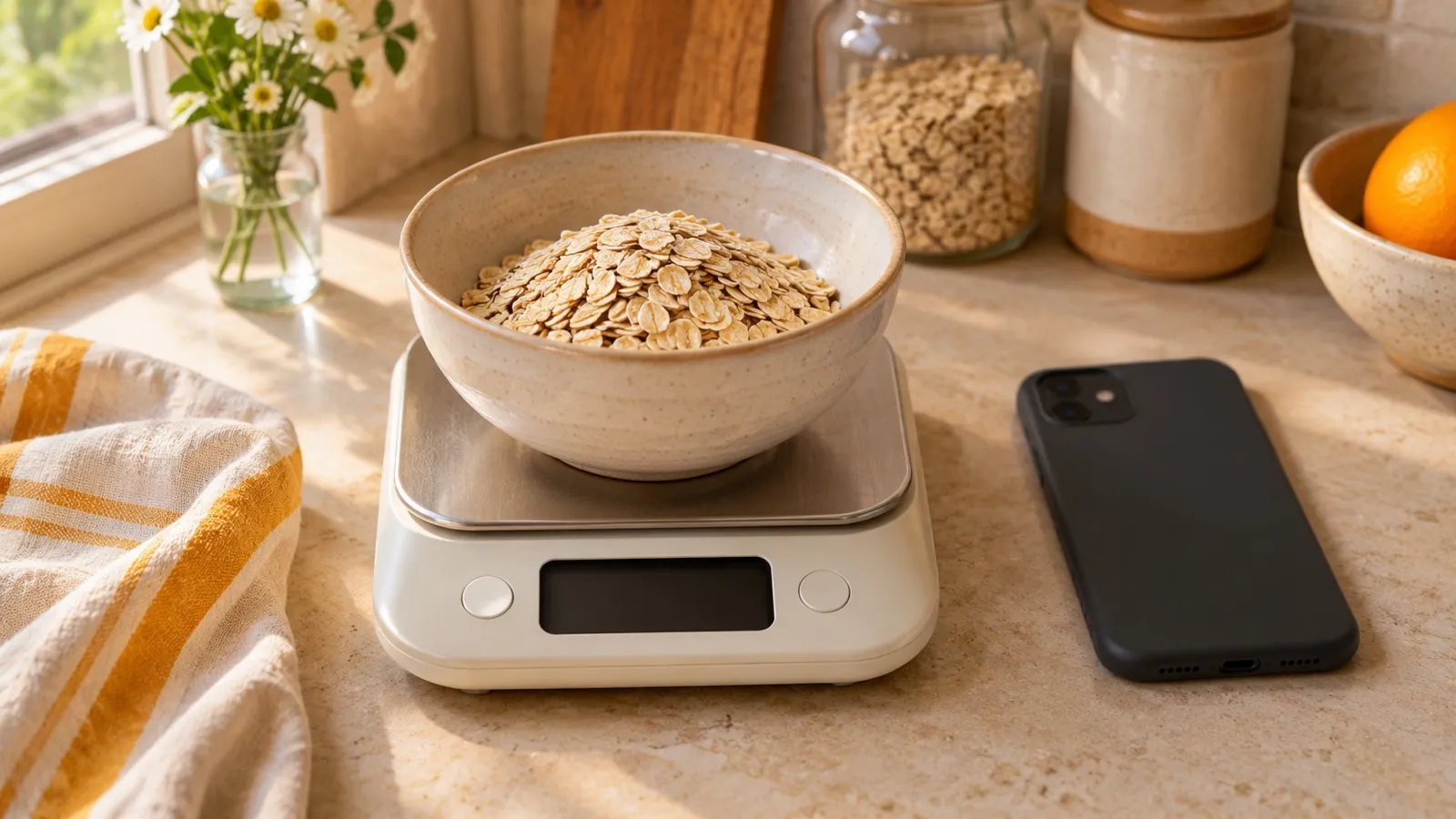
You weigh 85 grams of cereal, type 85 into the diary, and watch the total jump far beyond breakfast. The food entry is correct. The label values are correct. The number you typed is correct. The unit beside it says servings.
The app has interpreted your breakfast as 85 servings, not 85 grams. A correct number attached to the wrong unit becomes a different quantity entirely.
Read the whole input line
Before saving, read the amount and unit together: 85 grams, 1.5 cups, 2 slices, 0.5 package. The unit is not decoration. It tells the system what the number means.
Many food entries offer several units. A serving may be defined as 30 grams, one bar, two biscuits, or a cup. Switching foods can leave the previous unit selected, and copying an entry can preserve a unit that no longer matches your measurement.
Build a small pause after typing. Say the phrase silently: “eighty-five grams of cereal.” If the screen says something else, change the unit before investigating the nutrition database.
Serving is a defined quantity, not a universal object
One serving of cereal may differ from one serving of yogurt or pasta. Even two cereals can define servings differently. Read the serving size attached to the specific entry.
If the label says one serving is 40 grams and you ate 60 grams, you can enter 60 grams or 1.5 of that defined serving. Both describe the same amount when the entry is configured correctly. Entering 60 servings does not.
When an app shows only “serving” without the definition, open the food details. If the gram basis is missing or unclear, choose another reliable entry or create one from the product label.
Sanity checks catch unit errors quickly
An unexpected total is a prompt to inspect, not a reason to edit the number until it feels better. Check the unit, serving definition, decimal placement, and whether the values are per 100 grams or per serving.
Compare with the package. If a bowl is roughly two labelled servings, an entry showing dozens of servings signals a unit mismatch. The check does not require memorizing calorie values; it requires noticing scale.
The opposite error can happen too. You weigh 200 grams but the entry remains set to 200 milligrams, or you enter 0.5 while the unit is grams instead of package. Implausibly low totals deserve the same inspection as high ones.
Cups, pieces, and packages need definitions
A cup entry assumes a particular volume and sometimes a particular preparation. A piece assumes a size. A package assumes the package represented in the database. These shortcuts are useful only when their definitions match your food.
If your package changed from 150 grams to 170 grams, “one package” in an old entry may no longer be accurate. Use grams from the current label or update the package unit. If your slice is cut by hand, grams may describe it better than pieces.
Do not convert to grams merely because grams sound precise. The gram weight must come from an actual measurement or reliable serving definition. A guessed gram value can be weaker than an honest half-package estimate.
Decimal separators can create a second trap
Depending on locale and software, decimals may use a point or comma. An entry intended as 1.5 servings can be misread or rejected if the interface expects a different format. Check how the app displays saved quantities and verify the result after entering a decimal.
Large errors also arise from misplaced zeros: 0.5 package becomes 5 packages; 25 grams becomes 250. The nutrition total often reveals this. Look back at the quantity before searching for a new food entry.
For recurring meals, save the verified amount and unit together. A favourite cereal entry named with its usual gram portion can reduce repeat mistakes.
Fix the entry at its source
If a custom food has the wrong serving definition, edit the custom food rather than correcting every future meal manually. Align the label values, serving amount, and gram equivalent. Test it with one labelled serving and confirm that the displayed nutrition matches the package.
For barcode results, compare the serving information with the current package. Products can change size or formulation while retaining similar packaging. Report or replace a mismatched entry according to the app’s workflow, and use the label in your hand for the product you ate.
This is a data-quality issue, not user failure. The important response is to make the reference reusable and clear.
A three-part save check
Before saving a measured food, verify three things: food identity, amount, and unit. Then glance at the resulting total for scale. The check takes seconds and catches errors that can otherwise dominate an entire day.
PixNutri’s guide to nutrition labels can help connect the package’s serving basis with the quantity you enter. The scale gave you a correct number. The app can use it correctly once the unit finishes the sentence.
Liquids introduce a common cousin of the error: millilitres and grams. For water they are numerically close under ordinary kitchen conditions, but oils, syrups, and other liquids have different densities. Use the volume printed on a beverage label when you measured volume, or weigh the product only when the reference supports grams. Do not switch units because the numbers look conveniently similar.
Household measures deserve the same scrutiny. “One tablespoon” may be a standardized volume in the database, not the spoon from your cutlery drawer. If you filled an ordinary spoon, either measure it once or choose a rough household estimate. The unit should describe the measurement you actually made.
After correcting a unit error, check whether the app retained the amount. Some interfaces convert the value when the unit changes; others leave the number untouched. Confirm the final phrase once more before saving.
Recipe servings require another definition. If a homemade recipe says it makes four servings, that may be a planning choice rather than four equal measured portions. When you weigh the finished batch, enter your portion by weight or by an actual fraction of the batch. Do not assume the bowl in front of you equals one recipe serving simply because four bowls were intended.
Units can also be embedded in custom names, such as “one scoop” or “small bowl.” Verify their definitions when reusing them months later. If you cannot remember what the scoop held, replace the shortcut with a current measurement. A convenient unit should reduce work, not preserve forgotten assumptions.
Written by the PixNutri Editorial Team. PixNutri provides general information, not medical advice. Learn how we work: Methodology · Nutrition sources · Editorial policy
Spotted a factual error? Report it to our editorial team. We review every report and update the page if needed.
